Waiter app for restaurants: a 2026 buyer's guide
Compare what to look for in a modern waiter app — table management, kitchen routing, offline mode, payments — and how to pick one without slowing down service.
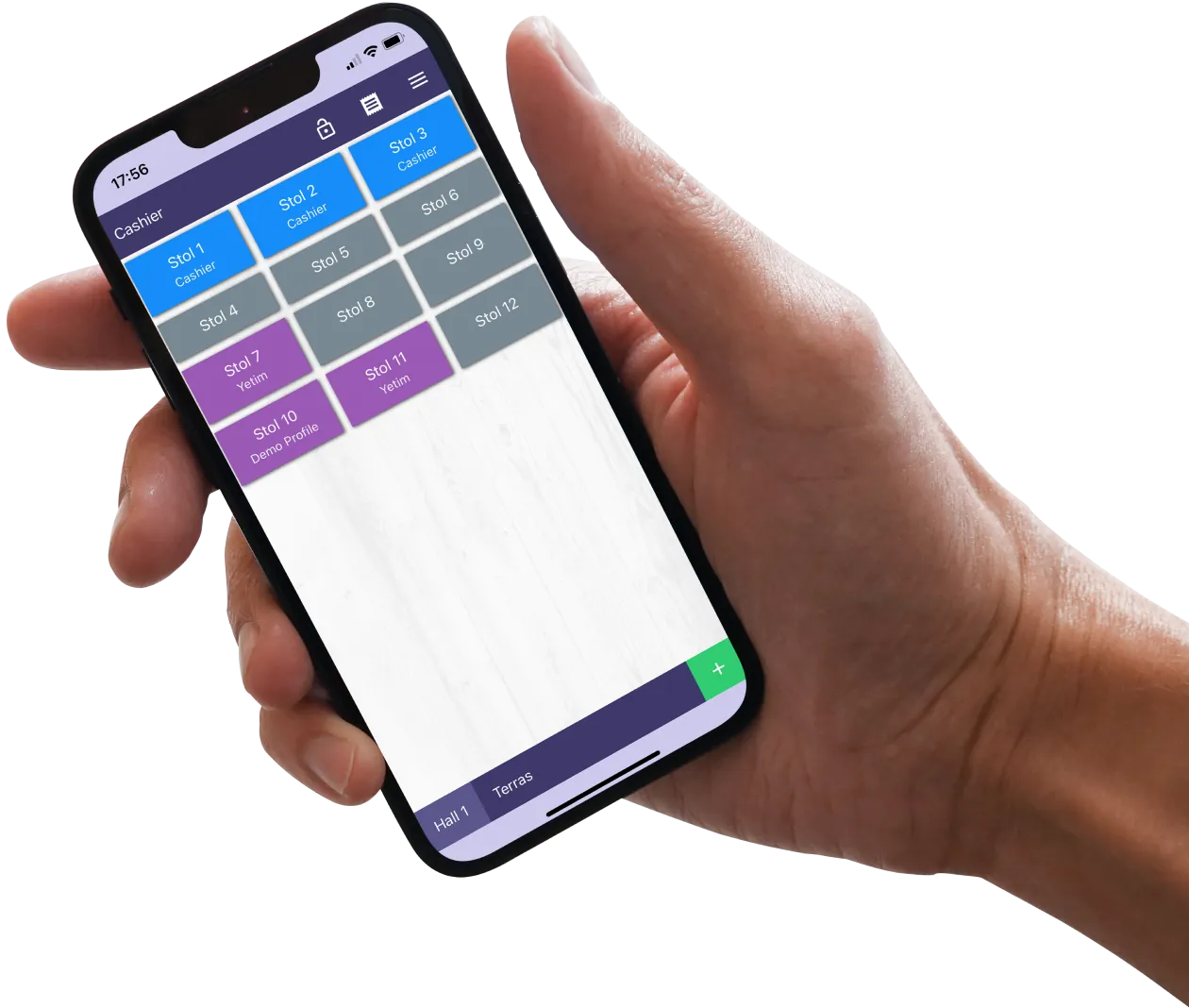
A good waiter app does one job: keep the floor moving. It takes the order at the table, sends it straight to the kitchen, opens the bill when the guests are ready, and stays out of the way the rest of the time. The bad ones add taps, reload between screens, and turn three minutes of service into ten.
This guide covers what actually matters when you're picking one.
What a waiter app needs to do well
- 1Take an order in under 30 seconds. Modifiers, courses and notes should be one tap, not three menus deep.
- 2Send tickets to the right station instantly. Kitchen, bar, dessert — each gets only its part of the order.
- 3Survive a flaky network. When the Wi-Fi blinks, the order should still go through and sync when it's back.
- 4Split, merge, transfer bills without paperwork. Tables move, parties join — your software shouldn't care.
- 5Take payment at the table. Cash, card, QR — all from one device.
Things people overrate
- Fancy floor maps. Useful for big restaurants, distracting for small ones. Don't pay extra if you have eight tables.
- Built-in CRM. Most restaurants need a payments-grade tool, not a marketing automation suite. Integrations are fine.
- Voice ordering. Cool demo, awkward at a noisy table.
Things people underrate
- How fast it is on cheap hardware. Most waiter apps look great on a brand-new iPad. Try the one you'll actually buy.
- How easy it is to onboard a new server. A waiter app you can teach in 20 minutes pays for itself in turnover season.
- What happens when the back office changes a price. Does the running tab update? Should it?
The Clopos Waiter app
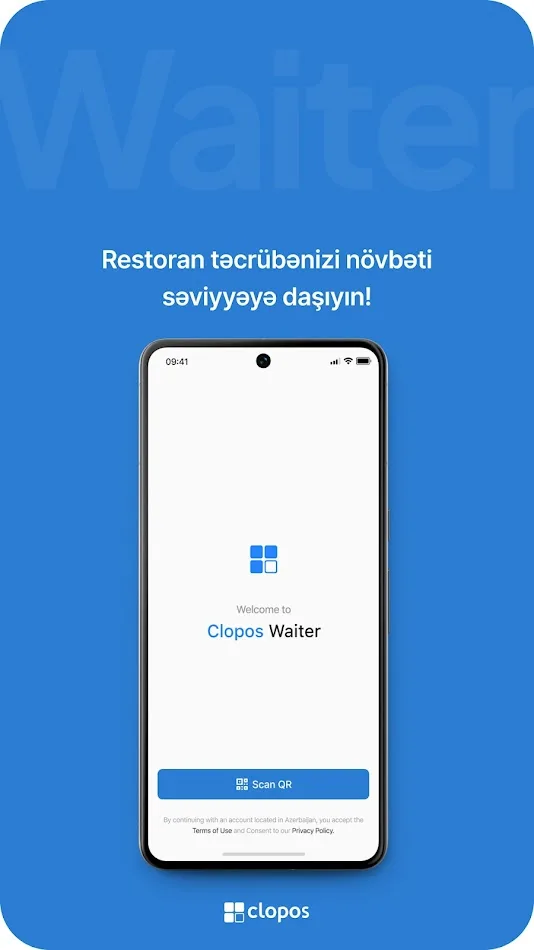
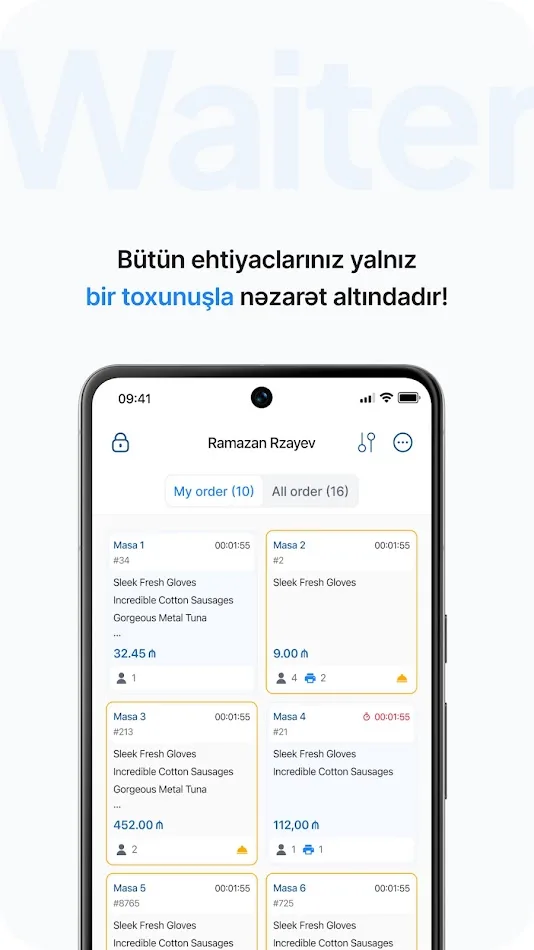
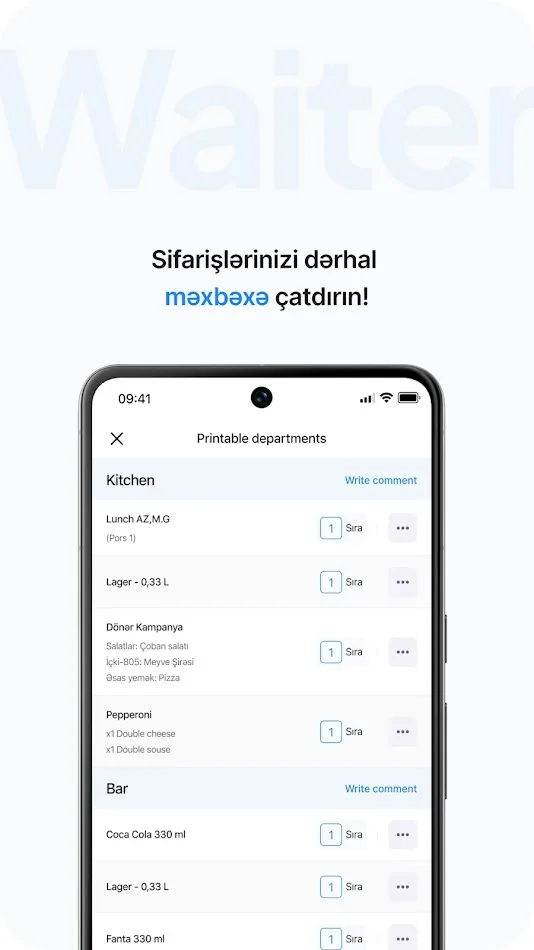
The Clopos Waiter app turns any Android or iOS device into a mobile ordering terminal. Orders go straight from the table to the kitchen and cashier in real time — no walking back to a station, no re-keying.
What you can do with it
- Seat guests in two taps — open the floor plan, pick a free table, log the headcount.
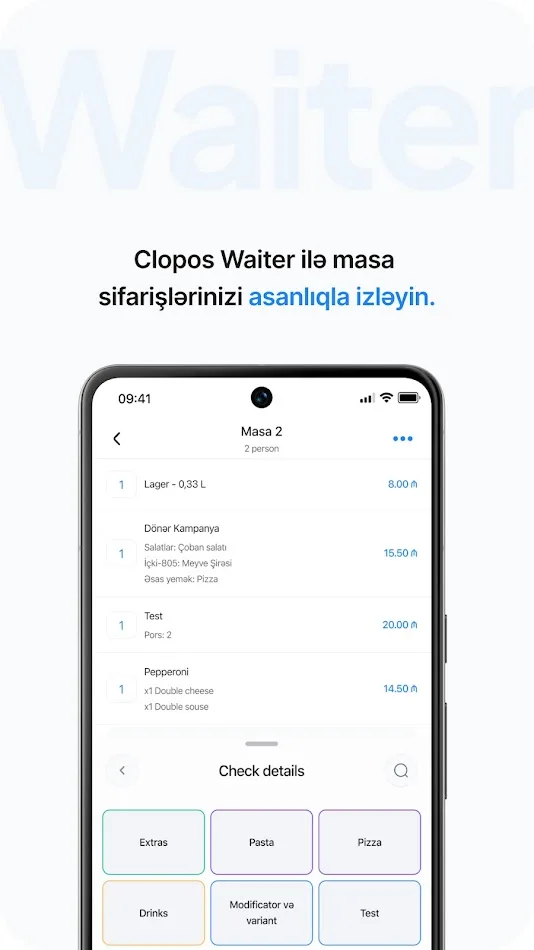
- Take orders from a live menu — photos, modifiers, combos and notes come straight from your back office; tickets land at the right station perfectly formatted.
- Real-time sync — every action (new order, split bill, table transfer) is mirrored on the main Clopos terminal and the back office dashboard the second you tap.
- Take payment at the table — card, Apple Pay or cash, with tips and discounts applied to the right check automatically.
- Offline mode — orders queue safely on the device when Wi-Fi blinks and push the moment you reconnect.
- Multi-language and multi-currency — out of the box.
Setup in four steps
- 1Create a terminal in the back panel under Devices → Terminals and set its type to "Waiter".
- 2Enable the local network in the back panel so the mobile device and the terminal can talk to each other reliably.
- 3Connect your phone or tablet by scanning the QR code from Devices → Mobile Terminal — that's the entire pairing flow.
- 4Make sure both devices are on the same Wi-Fi or LAN for stable data transfer.
FAQ
Do I need a separate device for the kitchen?+
Not strictly. But a Kitchen Display System cuts ticket loss and prep errors more than any other single change you can make. See the Kitchen Display System page.
What if the internet goes down mid-service?+
A good waiter app caches orders locally and syncs when the connection comes back. Make sure you test this before signing — open the order flow, turn off Wi-Fi, take an order, turn Wi-Fi back on, and watch what happens.
Does the waiter app work on my old Android tablet?+
Most modern waiter apps need Android 10 or newer and at least 2 GB of RAM. Anything older will technically run but feels laggy after a few hours of service.
Can two waiters work on the same table?+
Yes — any modern waiter app supports shared tables and order locking so two people don't overwrite each other's input.